
Play Plant Merge: Zombie War Online Free
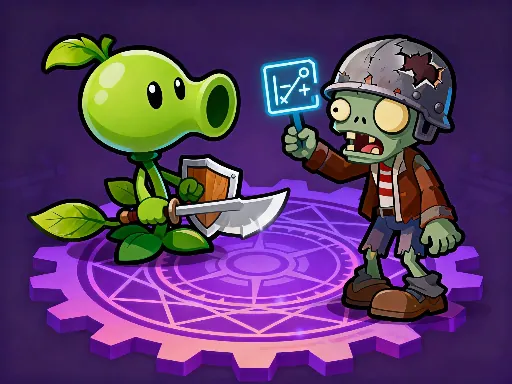
Plant Merge: Zombie War combines merging, lane defense, and upgrade planning. Combine plants into stronger units, place them against zombie waves, and build a defense that scales over time.
How to Play Plant Merge: Zombie War
Drag, merge, and place plants using mouse or touch. The main task is to merge plants and defend lanes from zombie attacks. Your goal is to build stronger plant defenses before zombies advance. The main challenges are incoming zombie waves, limited slots, and upgrade timing. Aim to stop each wave with upgraded plants still standing.
Game Controls
- Keyboard: Mouse or touch controls; keyboard is not required
- Mouse or touch: Drag matching plants together and place units on defense lanes
- Mobile: Tap, swipe, or drag depending on the game.
Tips and Tricks
- Merge duplicate plants as soon as it improves your defense.
- Keep damage spread across lanes instead of stacking one side.
- Upgrade before a wave reaches your weak lane.
- Save space for new plants so merging does not stall.
Features
- Free to play in your browser
- No download or app install required
- Works on desktop and mobile browsers
- Fast loading HTML5 gameplay
FAQ
Is Plant Merge: Zombie War free to play?
Yes. You can play it online for free on Pokopia.
Can I play Plant Merge: Zombie War on mobile?
Yes. Most Pokopia browser games work on phones, tablets, laptops, and desktop computers.
Do I need to install anything?
No. Plant Merge: Zombie War runs directly in your browser.